


Trust, accessibility, and feedback · UX/UI pattern guide
Loading, skeleton, and empty states
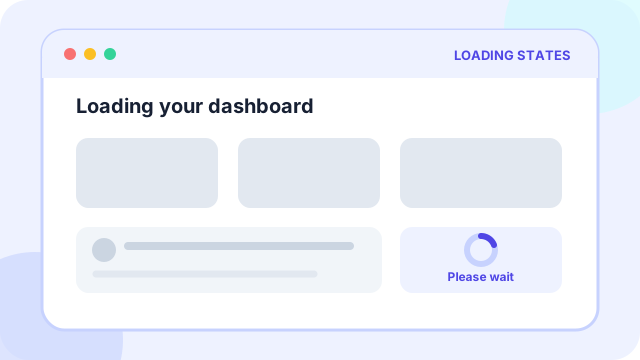
Loading, skeleton, and empty states explain what the system is doing, preserve layout expectations, and give users a useful next step when content is delayed or absent.
At a glance
What the pattern is designed to accomplish
Skeleton screens, progress states, friendly empty states, and retry actions.
Planning price
€600
A starting budget anchor before discovery and technical scoping.
Typical effort
2-3 days
The implementation range depends on states, data, and integrations.
Pattern family
Trust, accessibility, and feedback
Use the family to find adjacent patterns that support the same journey.
Use cases
When this pattern is a strong fit
Use the pattern when it removes a real decision or interaction burden, not simply because users recognize its visual form.
Best suited to
- Networked products with perceptible fetch or processing time
- Feeds, dashboards, detail pages, and generated content
- Collections that can legitimately contain no items
Anatomy
The essential parts of loading, skeleton, and empty states
The visual treatment can change, but these responsibilities need to remain clear.
Part 1
An immediate response that matches the expected content shape
Define this part explicitly in the design and test it with realistic content and states.
Part 2
Honest progress or status language for longer operations
Define this part explicitly in the design and test it with realistic content and states.
Part 3
A distinct empty state that explains why nothing is present
Define this part explicitly in the design and test it with realistic content and states.
Part 4
Retry, refresh, create, or alternative actions when the user can recover
Define this part explicitly in the design and test it with realistic content and states.
Implementation
Design and delivery guidance
The pattern works when interaction rules, content, data, and edge cases support the same user goal.
Recommended approach
- Use skeletons only when the final structure is predictable.
- Use determinate progress when duration can be estimated.
- Differentiate first-use emptiness, no search results, errors, and permission limits.
Common failure modes
- Showing an endless spinner with no status or escape
- Using animated skeletons for operations that finish almost instantly
- Treating an error as an empty collection
Accessibility
Inclusive design requirements
Accessibility is part of the pattern's behavior and content model, not a visual pass added after implementation.
Minimum considerations
- Announce loading completion and errors without repeatedly announcing animation.
- Respect reduced-motion preferences and avoid flashing shimmer effects.
- Mark purely decorative placeholders as hidden from assistive technology.
History
How loading, skeleton, and empty states emerged and who popularized it
Interface patterns usually evolve through several technologies and products. The distinction below avoids assigning a single inventor where the evidence points to gradual adoption.
Origins
How the pattern came about
Progress bars and throbbers have communicated system activity since early graphical computing. Skeletons changed the emphasis from abstract waiting to a preview of the layout that would soon appear.
Popular adoption
Who helped make it mainstream
Facebook's feed helped make skeleton placeholders familiar at consumer scale, and the pattern spread through mobile and web component libraries. Nielsen Norman Group later documented skeletons as a distinct progress indicator for full-page and component loading.
History and practice sources
Related patterns
Continue through the pattern library
Adjacent patterns often need to be designed as one journey rather than as isolated components.
Trust, accessibility, and feedback
Inline validation and recovery
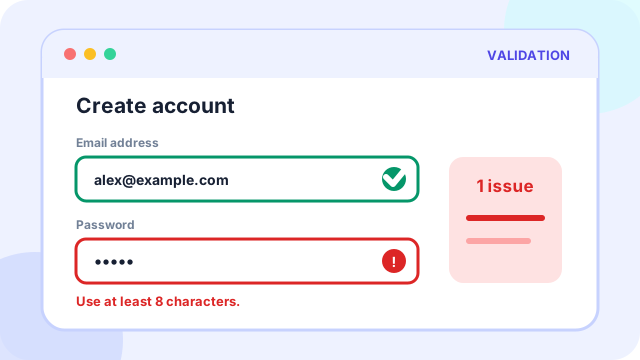
Field-level errors, helpful fixes, prevention states, and success confirmations.
Read the pattern guideTrust, accessibility, and feedback
Accessibility pass
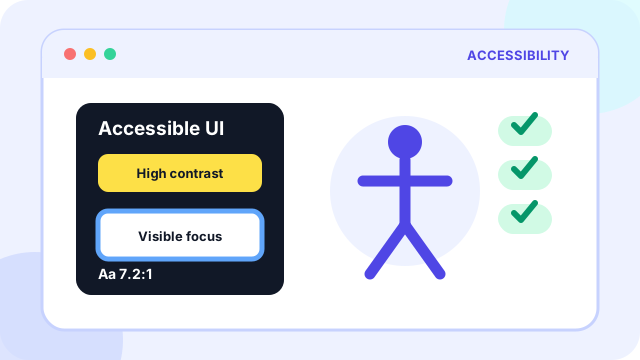
Keyboard paths, focus states, contrast, labels, semantic landmarks, and reduced motion.
Read the pattern guideTrust, accessibility, and feedback
Ask-AI object helper
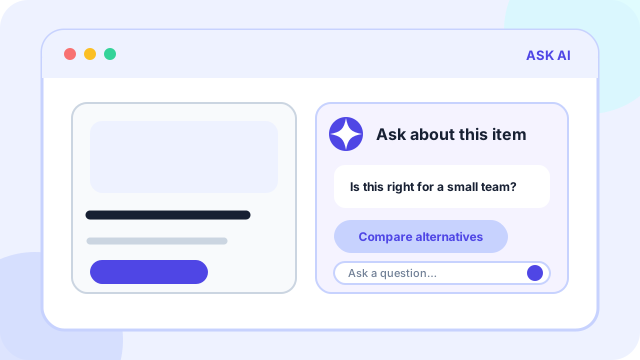
Per-object AI prompts that explain fit, answer questions, compare options, and escalate to contact.
Read the pattern guide