Engagement and retention · UX/UI pattern guide
Progress loops and milestones
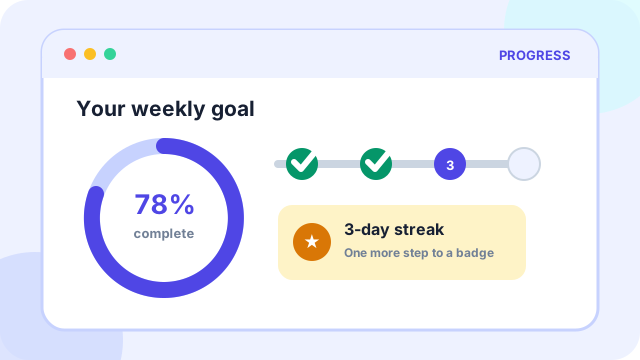
Progress loops and milestones make advancement visible, mark meaningful achievements, and suggest the next achievable action.
At a glance
What the pattern is designed to accomplish
Streaks, achievements, completion meters, badges, and habit nudges.
Planning price
€800
A starting budget anchor before discovery and technical scoping.
Typical effort
3-5 days
The implementation range depends on states, data, and integrations.
Pattern family
Engagement and retention
Use the family to find adjacent patterns that support the same journey.
Use cases
When this pattern is a strong fit
Use the pattern when it removes a real decision or interaction burden, not simply because users recognize its visual form.
Best suited to
- Learning, fitness, setup, contribution, and long-running workflows
- Goals that benefit from repeated effort and clear intermediate outcomes
- Products where users otherwise struggle to see accumulated value
Anatomy
The essential parts of progress loops and milestones
The visual treatment can change, but these responsibilities need to remain clear.
Part 1
A defined goal, baseline, unit of progress, and completion rule
Define this part explicitly in the design and test it with realistic content and states.
Part 2
Milestones that correspond to meaningful capability or outcome
Define this part explicitly in the design and test it with realistic content and states.
Part 3
Feedback after action and a clear next step
Define this part explicitly in the design and test it with realistic content and states.
Part 4
Recovery rules that avoid turning one missed day into total failure
Define this part explicitly in the design and test it with realistic content and states.
Implementation
Design and delivery guidance
The pattern works when interaction rules, content, data, and edge cases support the same user goal.
Recommended approach
- Reward value-producing behavior, not empty clicks or time spent.
- Make rules stable and understandable before asking users to commit.
- Offer flexible pacing and recovery for real-life interruptions.
Common failure modes
- Using streak loss to create anxiety or compulsion
- Awarding badges that have no relationship to user goals
- Changing progress rules after users have invested effort
Accessibility
Inclusive design requirements
Accessibility is part of the pattern's behavior and content model, not a visual pass added after implementation.
Minimum considerations
- Express progress and milestone state in text and semantics, not only graphics.
- Avoid mandatory animation and provide reduced-motion treatments.
- Use supportive language that does not shame users for interruption.
History
How progress loops and milestones emerged and who popularized it
Interface patterns usually evolve through several technologies and products. The distinction below avoids assigning a single inventor where the evidence points to gradual adoption.
Origins
How the pattern came about
Progress indicators grew from industrial gauges, checklists, and project plans. Games added scores, levels, achievements, and feedback loops that made advancement emotionally legible.
Popular adoption
Who helped make it mainstream
LinkedIn's profile-completeness meter and Foursquare's badges helped bring game-like progress into mainstream products. Duolingo later made streaks, leagues, and milestones highly visible examples of retention-oriented progress design.
History and practice sources
Related patterns
Continue through the pattern library
Adjacent patterns often need to be designed as one journey rather than as isolated components.
Engagement and retention
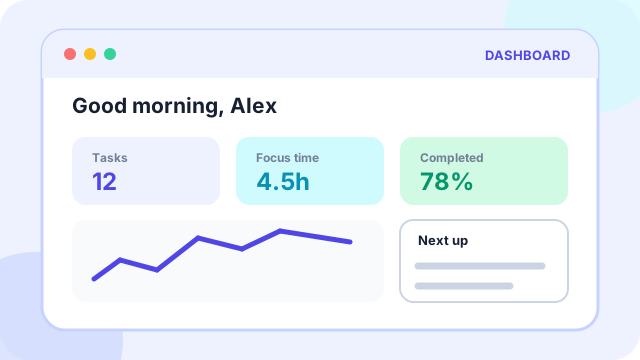
Personal dashboard
Engagement and retention
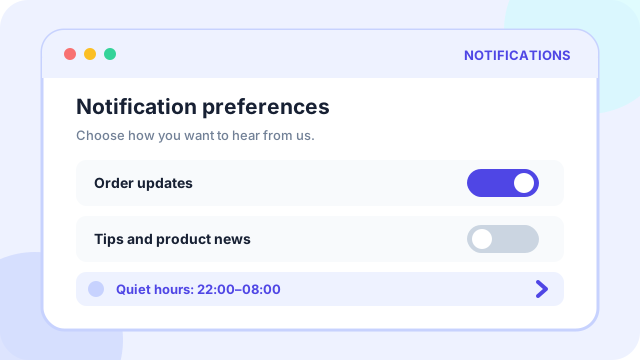
Notification preference center
Product foundation