Chapter 1
Diagnose
Name the business problem and audience friction.
Search the site
Search across public pages, projects, services, hackathons, and community content.
Results update as you type.
Start with the story
The homepage now follows the same arc as a good project: identify what blocks progress, shape a concrete solution, ship it, and keep learning from real behavior.
Chapter 1
Name the business problem and audience friction.
Chapter 2
Turn evidence into a focused prototype or journey.
Chapter 3
Launch the experience with clear content and code.
Chapter 4
Measure, localize, and keep improving the system.
Chapter 1 · Locate the audience
Detecting location...
Plan services around your timezone, audience behavior, and market context while keeping delivery remote-first.
Chapter 2 · Sharpen demand
B2B: Sharpen positioning, build multilingual lead funnels, and convert inbound traffic into qualified pipeline across different regions.
B2C: Localize messaging, strengthen product storytelling, and run data-driven campaigns that turn discovery into repeat purchases.
Connect market-specific UX, analytics, and experimentation so your sales and marketing systems perform across cultures, languages, and time zones.
Chapter 3 · Test the opportunity
Study user needs, market signals, platform capabilities, and emerging AI tools. Then convert the strongest hypotheses into small experiments before a large build begins.
Each sprint clarifies risks, sharpens direction, creates working prototypes, and gives your team evidence to scale, pause, or redesign.
Keep R&D small, visible, and measurable.
Use short discovery loops, prototype evidence, and clear handoff notes instead of long reports that never reach production.
Step 1
Interview users, read analytics, scan markets, and map technical constraints so every move starts with evidence instead of guesswork.
Step 2
Turn the strongest ideas into lightweight flows, AI-assisted workflows, and browser-native demos that teams can test before heavy investment.
Step 3
Measure what changes, document what works, and package the learning into reusable components, playbooks, and product decisions.
Chapter 4 · Build in context
Ship Taiwan collaborations that connect sustainability, product strategy, and digital storytelling into the active HAAM roadmap.
Ship from Taipei
Use sustainability tooling and sharper product storytelling to move from research signals into live, testable experiences.
Chapter 4b · Train the team
Choose a path, unlock lessons, answer interactive quizzes, and build confidence with motion effects and arcade-style feedback.
What do you want to build first?
How much coding experience do you have?
How should HAAM guide your learning?
Chapter 4 · Explore the storyworld
A hidden hatch has opened in the homepage surface. Enter HAAM's first RPG-style quest, choose a strategy, earn quest points, and collect loot relics from the studio universe.
Mostly human-made projects. With the advances in AI, I have now switched my focus to human oversight and consultancy.
Chapter 5 · Prove the outcome
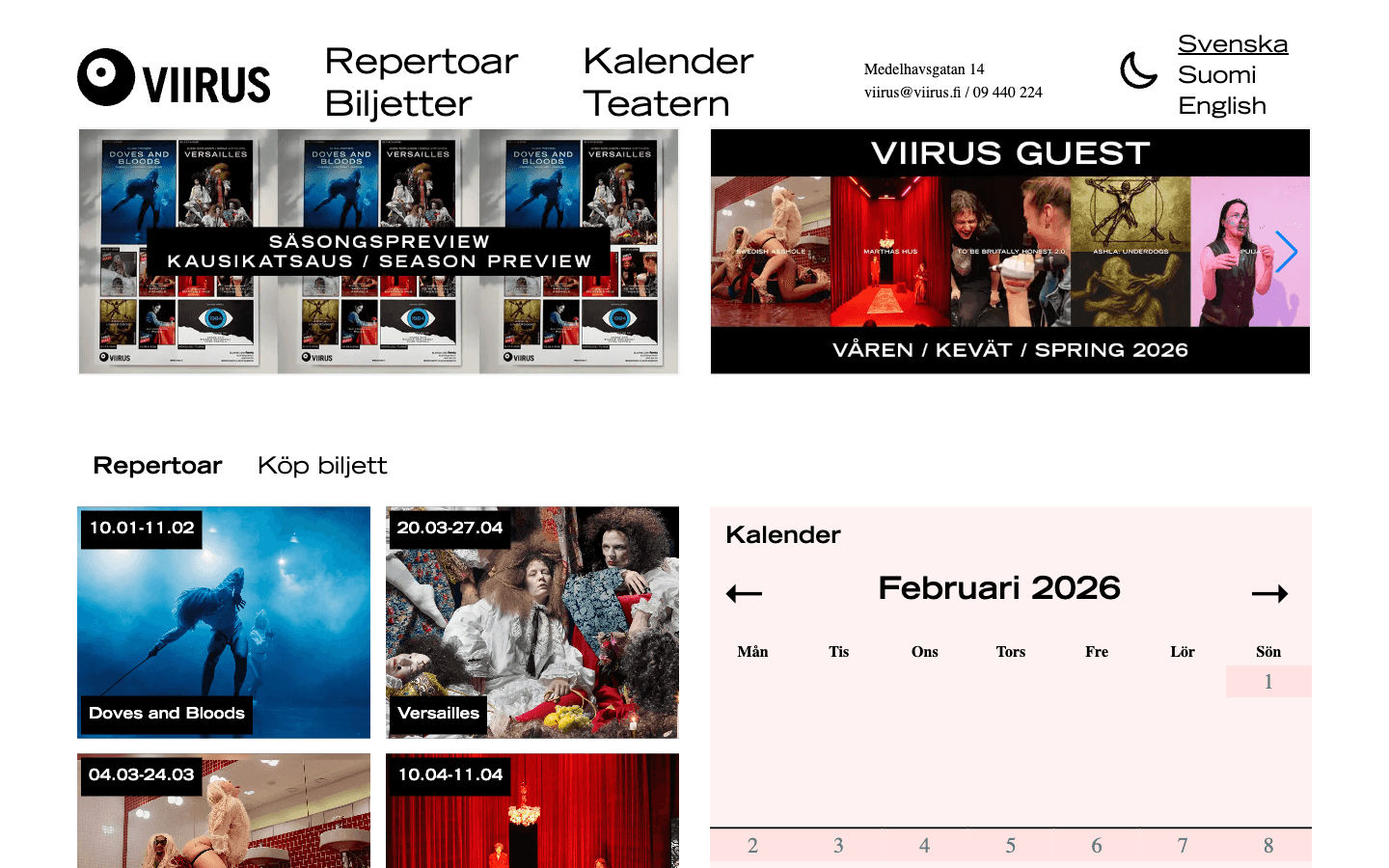
Viirus invested in a11y and performance to make their digital home more welcoming for every visitor. We improved semantic structure, keyboard navigation, contrast, and media loading strategy so the website became easier to use and faster to browse across devices.
Outcome: clearer journeys for audiences, stronger inclusivity, and noticeably faster page experience.
Explore the Viirus proof
Chapter 6 · Scale the system
From homepage to conversion flows, every component is tuned for accessibility, consistency, and maintainable delivery across products.
Chapter 7 · Extend the platform
The open web can already handle native-feeling file workflows, floating utility windows, machine-readable scanning, screen wake locks, and calmer state transitions. This new hub collects practical demos instead of treating browser power like trivia.
Visual continuity
Animate layout and state changes as one coherent transition instead of a hard redraw.
Test the demoDesktop-class workflows
Open, edit, and save user files directly from the browser with native file pickers.
Test the demoPerception APIs
Detect QR codes and barcodes directly in-browser from uploaded or camera-captured images.
Test the demoMultiwindow UX
Pop a mini always-on-top window for controls, timers, notes, or monitoring panels.
Test the demoPhones
+372 53073123 (Estonia, WhatsApp)
+886 0976280022 (Taiwan)
Company
Haamer Ventures OÜ
Reg. 11516600
Social
X / Instagram / LinkedIn / WhatsApp / Telegram / Wire / KakaoTalk / Line / WeChat
Open the full social page for business channels and QR codes
Telegram: @krishaamer

Wire: @krishaamer

KakaoTalk: krishaamer

Line: @krishaamer

WeChat: krishaamer